
Issue: After creating/accessing a Course Meeting/Seminar/Virtual Classroom in your LMS via the eSync LTI application, you can’t log in to Adobe Connect. Even if you reset your password, utilizing the LTI will cause the issue to happen again.
Reason: The LTI resets your Adobe Connect password unless linked to the LTI itself.
Solution: Set the LTI to use the Adobe Connect password.
- Log in to your LMS
- Go into a course and launch the LTI application
- In the top right, click the gear icon next to Settings:

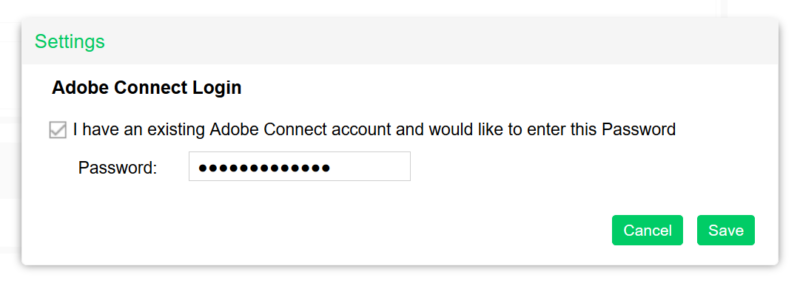
- When the pop-over opens, check “I have an existing Adobe Connect account…”, and then enter your password and click Save:
The LTI will no longer reset your Adobe Connect password.