Issue: A student has been elevated to Meeting Host in the LTI, but when they join the Adobe Connect meeting, they are only a participant.

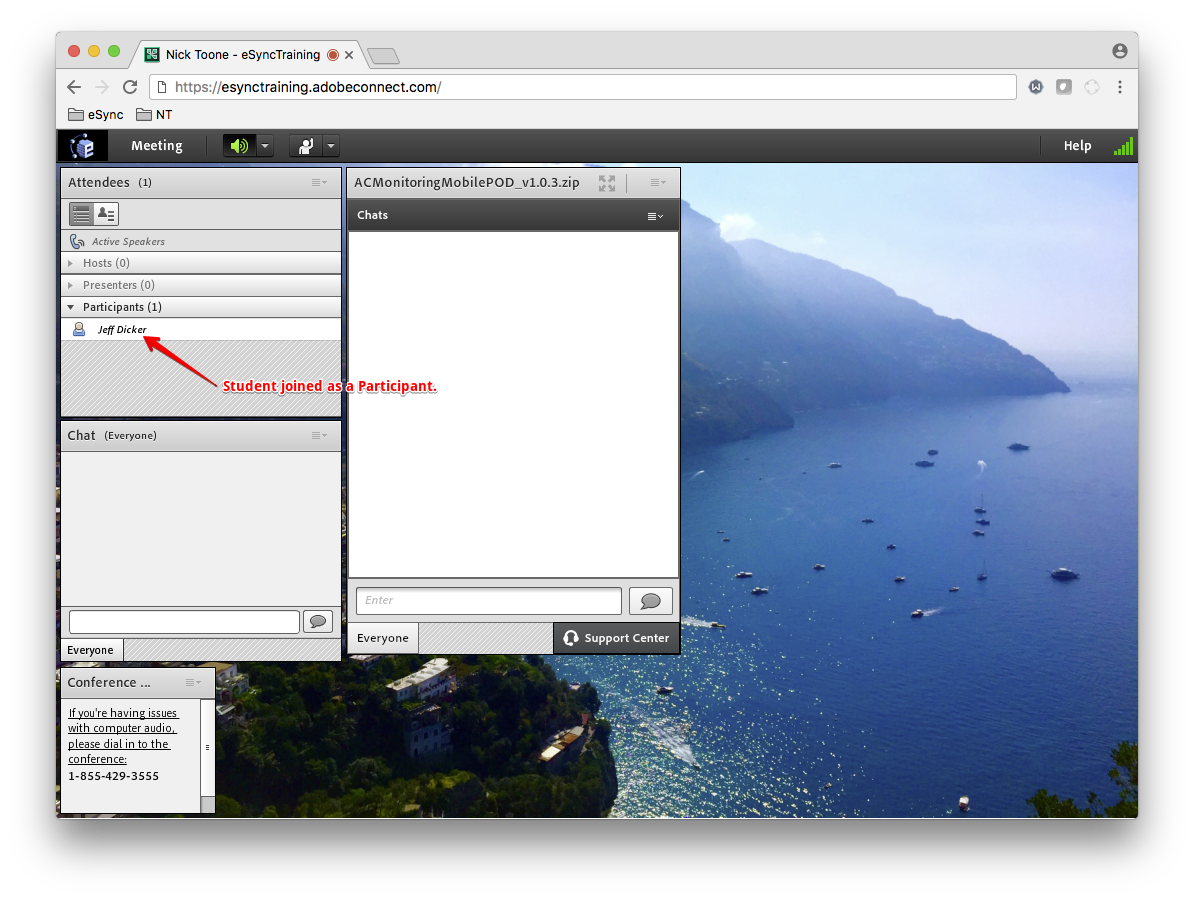
Reason: A user who is a member of the Adobe Connect Meeting Hosts group must be present in the Meeting in order for users with elevated roles to have the proper rights in the room.
This is by design. According to Adobe in this article (07/2012):
“Adobe has found that some users who license the Named Host model enable non-licensed users to initiate and host meetings without a licensed Named Host present. While this practice goes against the Terms of Service, Adobe Connect currently enables users to get Named Host privileges without actually purchasing a license. With this update, Adobe is engineering the product to operate in accordance with the Terms of Service.”
If you’re using a Named Host license, a user must be a member of the Meeting Hosts group in order to start meetings as a full Host. If a user was granted Host rights via the Course Meeting Participant list in the LTI (or in the Edit Participants section of the meeting in Adobe Connect Central), they will only have Participant right until the actual Host of the meeting arrives.